
Kyocera Product Configurator

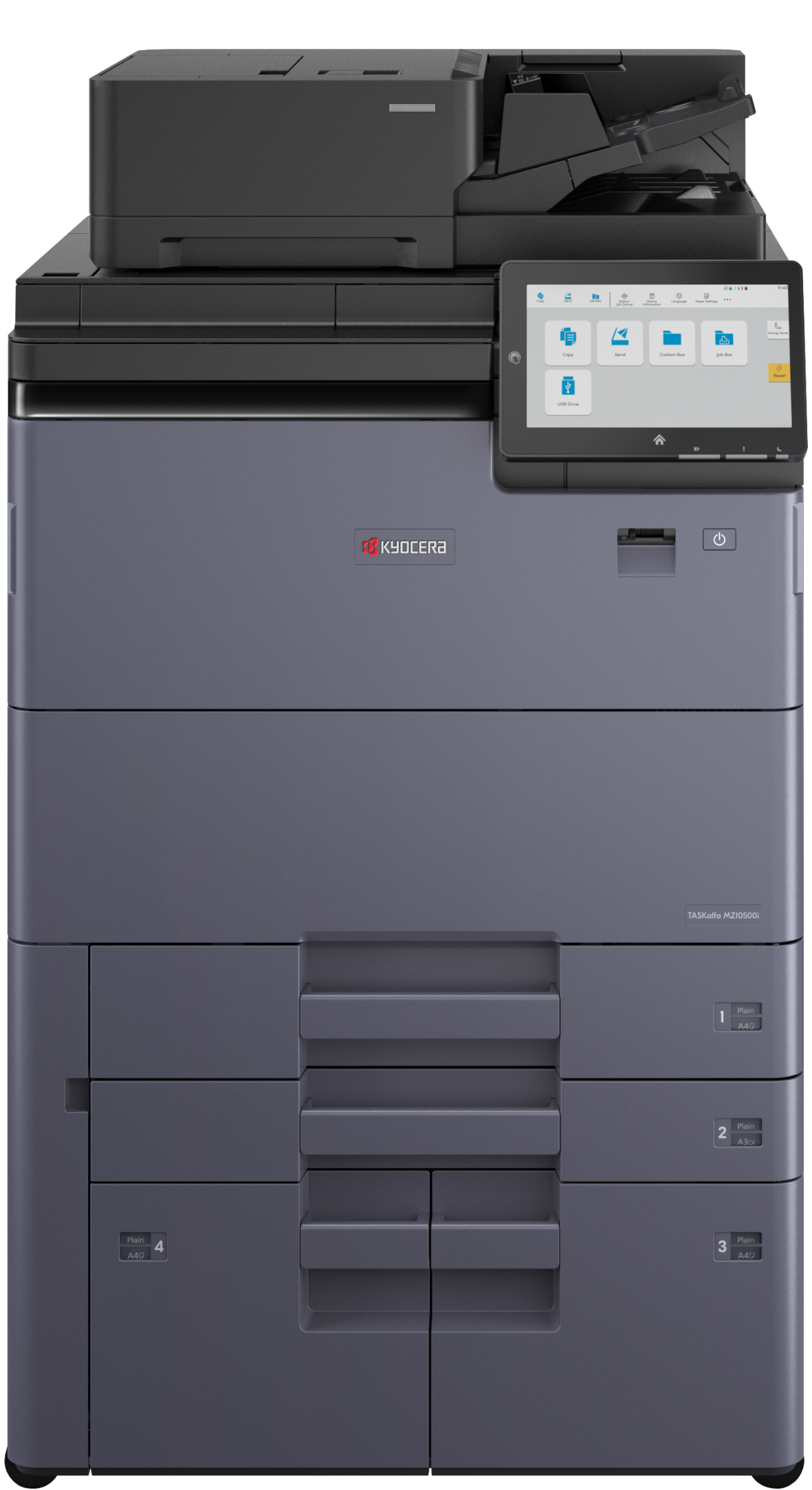
B&W MFPs (paper sizes up to 13" × 19.2")
With Kyocera’s high volume A3 MFPs, the TASKalfa MZ10500i Series produces reliable output on a wide range of media and achieves fast, intelligent scanning while saving costs. We’re proud to offer an industry-first dual toner container system for uninterrupted printing. These devices help you maximize space with a compact finishing option that takes up to 36% less floor space. You will increase efficiency with the AI-driven straight-path scanner. Smart workflow integration will streamline job management and reduces production costs. Safeguards including government-level security and encryption are designed to protect sensitive data.

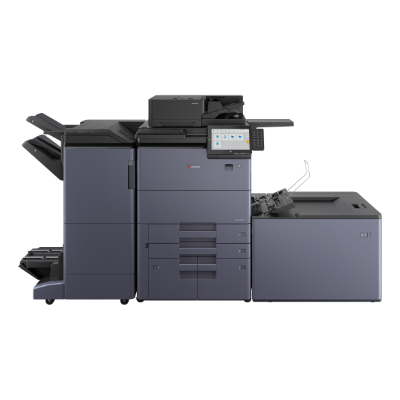
Please Note:
| Item/Description | Tips | Item # | Thumbnail | |
|---|---|---|---|---|
TASKalfa MZ7500iTASKalfa MZ7500i
Note: 1. Includes a 500-Sheet Straight Path Dual Scan Document Processor (DSDP). 2. In order to complete a configuration, you must select an Output or Finishing option from Step 3. |

TASKalfa MZ7500i
The item(s) below will be selected if this item is selected:
| 110C052US0 | 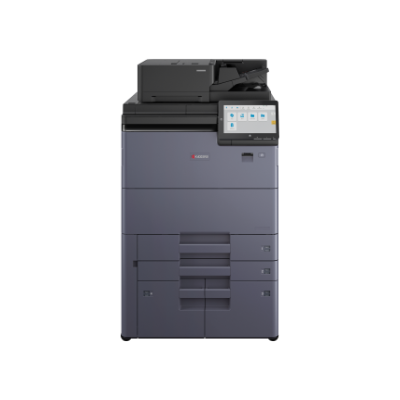 | |
TASKalfa MZ8500iTASKalfa MZ8500i
Note: 1. Includes a 500-Sheet Straight Path Dual Scan Document Processor (DSDP). 2. In order to complete a configuration, you must select an Output or Finishing option from Step 3. 3. An Upgrade Kit is included. |
TASKalfa MZ8500i
The item(s) below will be selected if this item is selected:
| 110C052US0-1603X10US0 | 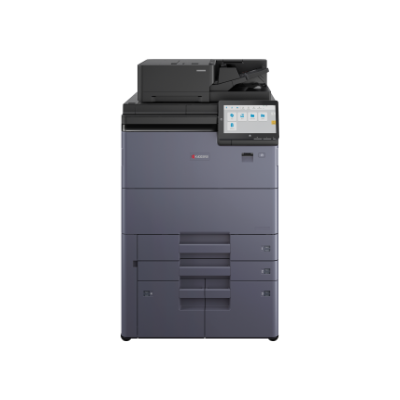 | |
TASKalfa MZ9500iTASKalfa MZ9500i
Note: 1. Includes a 500-Sheet Straight Path Dual Scan Document Processor (DSDP). 2. In order to complete a configuration, you must select an Output or Finishing option from Step 3. 3. An Upgrade Kit is included. |
TASKalfa MZ9500i
The item(s) below will be selected if this item is selected:
| 110C052US0-1603X20US0 | 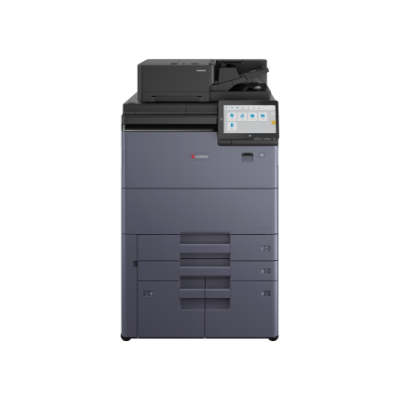 | |
TASKalfa MZ10500iTASKalfa MZ10500i
Note: 1. Includes a 500-Sheet Straight Path Dual Scan Document Processor (DSDP). 2. In order to complete a configuration, you must select an Output or Finishing option from Step 3. 3. An Upgrade Kit is included. |
TASKalfa MZ10500i
The item(s) below will be selected if this item is selected:
| 110C052US0-1603X30US0 | 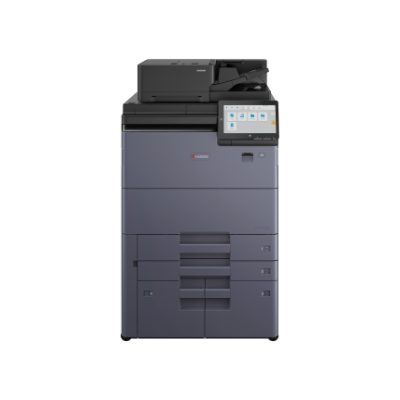 |
| Item/Description | Tips | Item # | Thumbnail | |
|---|---|---|---|---|
PF-7200PF-7200
Note: 1. This option cannot be installed with PF-7210. 2. Maximum number of stackable sheets is 3,000 (80 gsm). |
PF-7200
The items below are not compatible and cannot be selected:
| 1203VF0US0 | 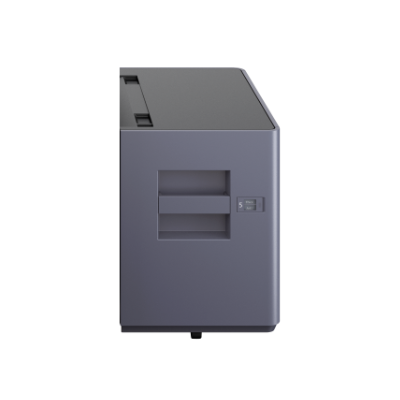 | |
PF-7210PF-7210
Note: 1. This option cannot be installed with PF-7200. 2. Maximum number of stackable sheets is 3,200 (80 gsm). |
PF-7210
The items below are not compatible and cannot be selected:
| 1203VG7US0 | 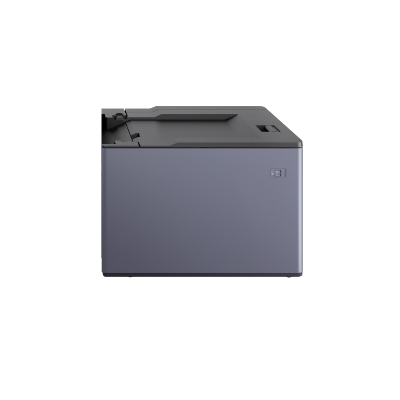 |
| Item/Description | Tips | Item # | Thumbnail | |
|---|---|---|---|---|
Copy Tray (D)Copy Tray (D)
Note: 1. This option cannot be installed with DF-7200, DF-7210 or any related options. |
Copy Tray (D)
The items below are not compatible and cannot be selected:
| 1902LF0UN1 |  | |
DF-7200DF-7200
Note: 1. This option cannot be installed with Copy Tray (D), DF-7210 or any related options. 2. These devices support coated stock media, but variations in coating, finish, weight and environmental conditions can affect print quality. For coated paper applications with high volume quoted stock use, we recommend validating optimal output quality for application specific quoted stock. Coated stock can be used through Tray C at a maximum of 50 sheets. |
DF-7200
The items below are not compatible and cannot be selected:
| 1203VK0US0 | 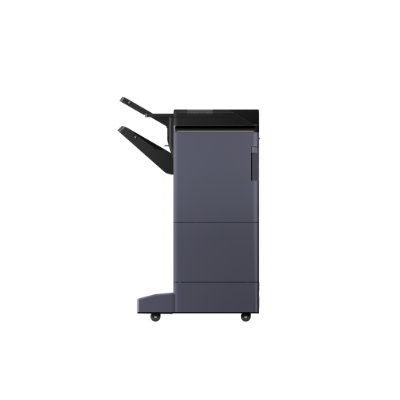 | |
DF-7210DF-7210
Note: 1. This option cannot be installed with Copy Tray (D), DF-7200 or any related options. 2. These devices support coated stock media, but variations in coating, finish, weight and environmental conditions can affect print quality. For coated paper applications with high volume quoted stock use, we recommend validating optimal output quality for application specific quoted stock. Coated stock can be used through Tray C at a maximum of 50 sheets. |
DF-7210
The items below are not compatible and cannot be selected:
| 1203TX0US0 | 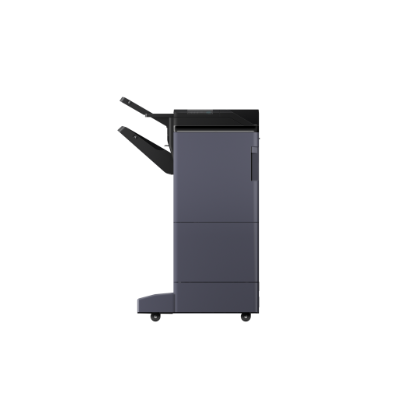 | |
BF-7200BF-7200
Note: 1. DF-7200 or DF-7210 must be selected to add this option. |
BF-7200
At least one of the item(s) below must be selected to be able to select this item:
| 1203VL6US0 | 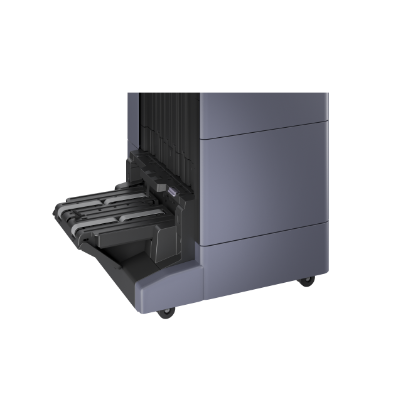 | |
PH-7200PH-7200
Note: 1. DF-7200 or DF-7210 must be selected to add this option. |
PH-7200
At least one of the item(s) below must be selected to be able to select this item:
| 1203VM2US0 |  | |
IS-7200IS-7200
Note: 1. DF-7200 or DF-7210 must be selected to add this option. 2. This option cannot be installed with MT-7200. |
IS-7200
At least one of the item(s) below must be selected to be able to select this item:
The items below are not compatible and cannot be selected:
| 1203VP0US0 | 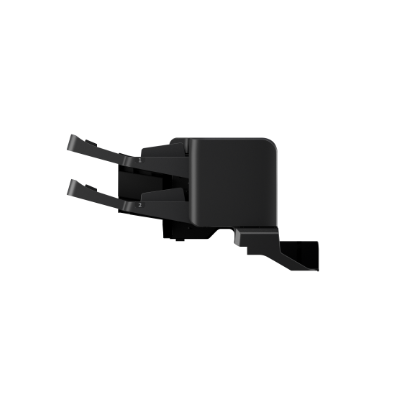 | |
ZF-7200ZF-7200
Note: 1. DF-7200 or DF-7210 must be selected to add this option. |
ZF-7200
At least one of the item(s) below must be selected to be able to select this item:
| 1203VR0UN0 |  | |
MT-7200MT-7200
Note: 1. DF-7200 or DF-7210 must be selected to add this option. 2. This option cannot be installed with IS-7200. |
MT-7200
At least one of the item(s) below must be selected to be able to select this item:
The items below are not compatible and cannot be selected:
| 1203VN0UN0 | 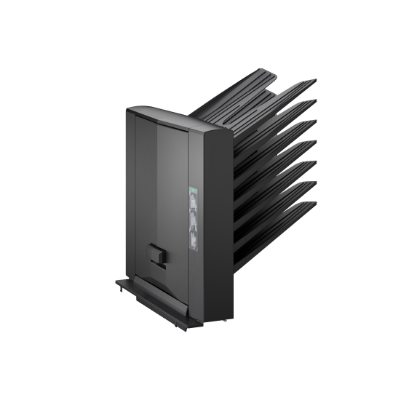 |
| Item/Description | Tips | Item # | Thumbnail | |
|---|---|---|---|---|
W2000-20-120W2000-20-120
|

No tooltip available.
| 855D200911 |  | |
DT-730 (B)DT-730 (B)
Note: 1. When this item is selected, you'll need to manually add its width (listed above) to your final dimensions. |
No tooltip available.
| 1902LC0UN2 |  | |
Banner Guide 12Banner Guide 12
|
No tooltip available.
| 1209A00UN0 | 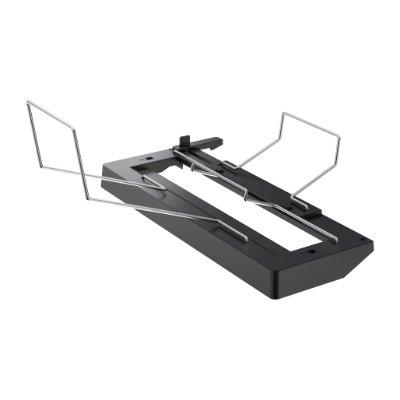 | |
Keyboard Holder 10Keyboard Holder 10
Note: 1. This supports 3rd party keyboards supplied by customer; please contact your Kyocera Sales Rep for more information. |
No tooltip available.
| 1709AN0UN0 | 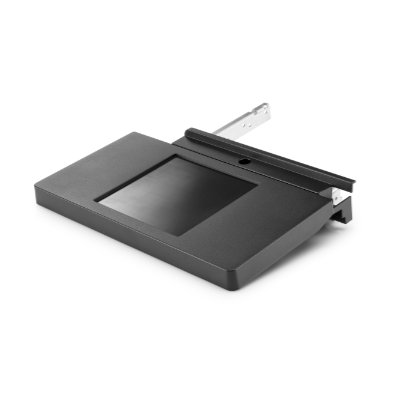 | |
NK-7130 (B)NK-7130 (B)
|
No tooltip available.
| 1903T00US1 | 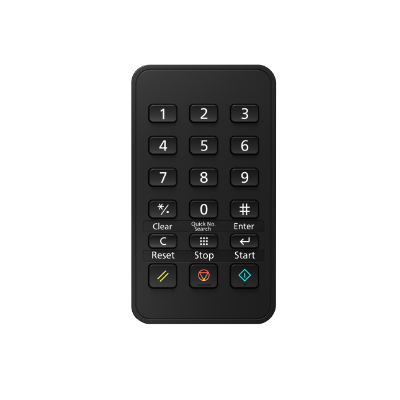 |
| Item/Description | Tips | Item # | Thumbnail | |
|---|---|---|---|---|
Fax System 14Fax System 14
Note: 1. Up to 2 of this option can be added. 2. If 2 optional interfaces are installed, then a fax line cannot be installed. |
No tooltip available.
| 1503WN2US0 | 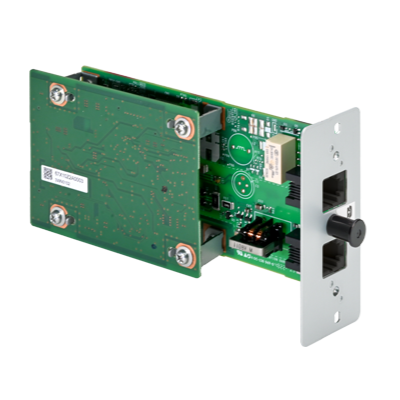 | |
Internet Fax Kit (A)Internet Fax Kit (A)
Note: 1. Fax System 14 must be selected to add this option. |
Internet Fax Kit (A)
At least one of the item(s) below must be selected to be able to select this item:
| 1603MC0UN0 |  | |
UG-33UG-33
|
No tooltip available.
| 1603NT0UN0 |  | |
UG-34UG-34
|
No tooltip available.
| 1603NX0UN0 | | |
IB-53IB-53
Note: 1. If 2 optional interfaces are installed, then a fax line cannot be installed. 2. If this option is installed, then only one fax line can be installed. 3. HyPAS will not be compatible when installed. |
No tooltip available.
| 1505M30UN0 | 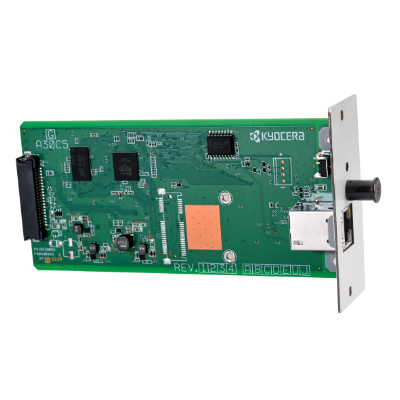 | |
IB-54IB-54
Note: 1. If 2 optional interfaces are installed, then a fax line cannot be installed. 2. If this option is installed, then only one fax line can be installed. 3. HyPAS will not be compatible when installed. 4. This option cannot be installed with IB-55. |
IB-54
The items below are not compatible and cannot be selected:
| 1505M40US0 | 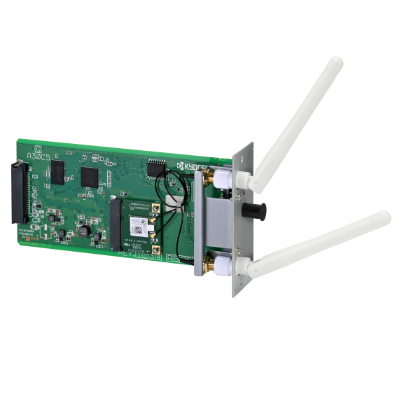 | |
IB-55IB-55
Note: 1. If 2 optional interfaces are installed, then a fax line cannot be installed. 2. If this option is installed, then only one fax line can be installed. 3. HyPAS will not be compatible when installed. 4. This option cannot be installed with IB-54. |
IB-55
The items below are not compatible and cannot be selected:
| 1505NA0UN0 | 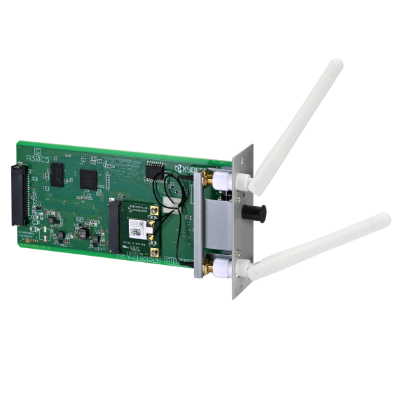 | |
IB-37IB-37
Note: 1. This option cannot be installed with IB-38. 2. To use Wi-Fi Direct capabilities, this accessory must be installed in the machine. |
IB-37
The items below are not compatible and cannot be selected:
| 1503T80UN0 | 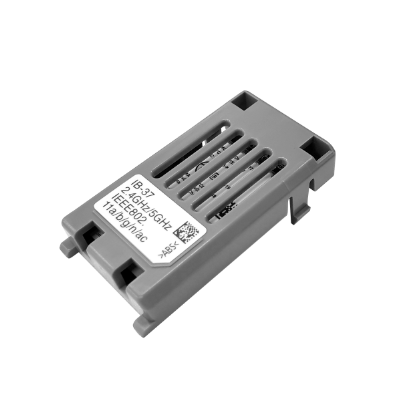 | |
IB-38IB-38
Note: 1. This option cannot be installed with IB-37. 2. To use Wi-Fi Direct capabilities, this accessory must be installed in the machine. |
IB-38
The items below are not compatible and cannot be selected:
| 1503V10US0 |  |
| Item/Description | Tips | Item # | Thumbnail | |
|---|---|---|---|---|
Card Authentication KitCard Authentication Kit
Note: 1. For your specific Card Authentication Kit needs, please consult with your Kyocera sales representative for the Kyocera Card Reader best for your business. 2. Photo is for illustrative purposes only. Your device may vary. |
No tooltip available.
| See-Notes | 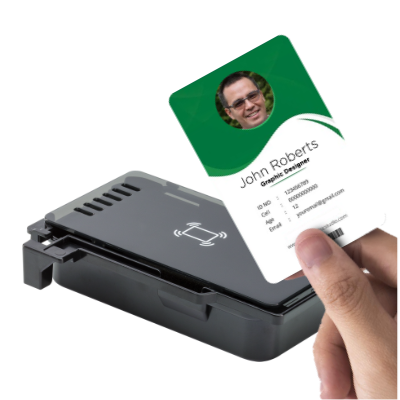 |
| Item/Description | Tips | Item # | Thumbnail | |
|---|---|---|---|---|
HD-16HD-16
|
No tooltip available.
| 1503T90UN0 | 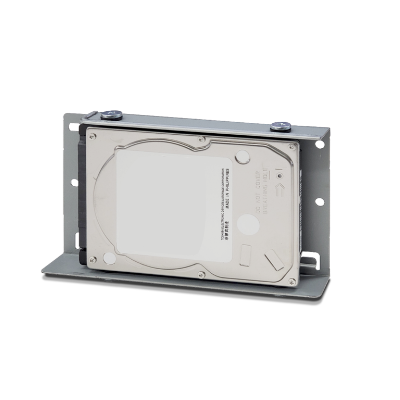 |
| Item/Description | Tips | Item # | Thumbnail | |
|---|---|---|---|---|
KPPS Variable DesignerKPPS Variable Designer
|
KPPS Variable Designer
At least one of the item(s) below must be selected to be able to select this item:
| 1609A20UN0 | |
Please Note:
Toner Container |
||||
| Item/Description | Tips | Item # | Thumbnail | |
|---|---|---|---|---|
TK-6837TK-6837
Note: 1. The mainframe does not ship standard with starter toner, so initial toner needs to be purchased. |
No tooltip available.
| 1T0C050US0 | 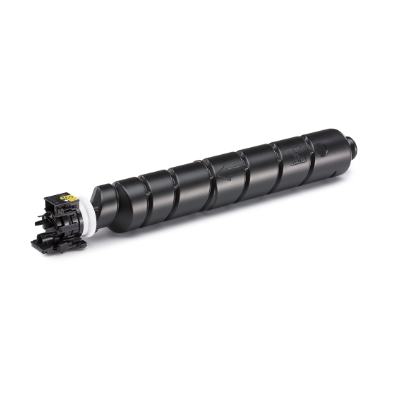 | |
Additional Supplies |
||||
| Item/Description | Tips | Item # | Thumbnail | |
SH-10SH-10
Note: 1. BF-7200 must be selected to add this option. |
SH-10
At least one of the item(s) below must be selected to be able to select this item:
| 1903JY0000 |  | |
SH-12SH-12
Note: 1. DF-7200 must be selected to add this option. |
SH-12
At least one of the item(s) below must be selected to be able to select this item:
| 1903NB0UN0 | | |
SH-15SH-15
Note: 1. DF-7210 must be selected to add this option. |
SH-15
At least one of the item(s) below must be selected to be able to select this item:
| 1903TX0UN0 | | |
W × D × H 0" × 0" × 0"
0mm × 0mm × 0mm