
Kyocera Product Configurator

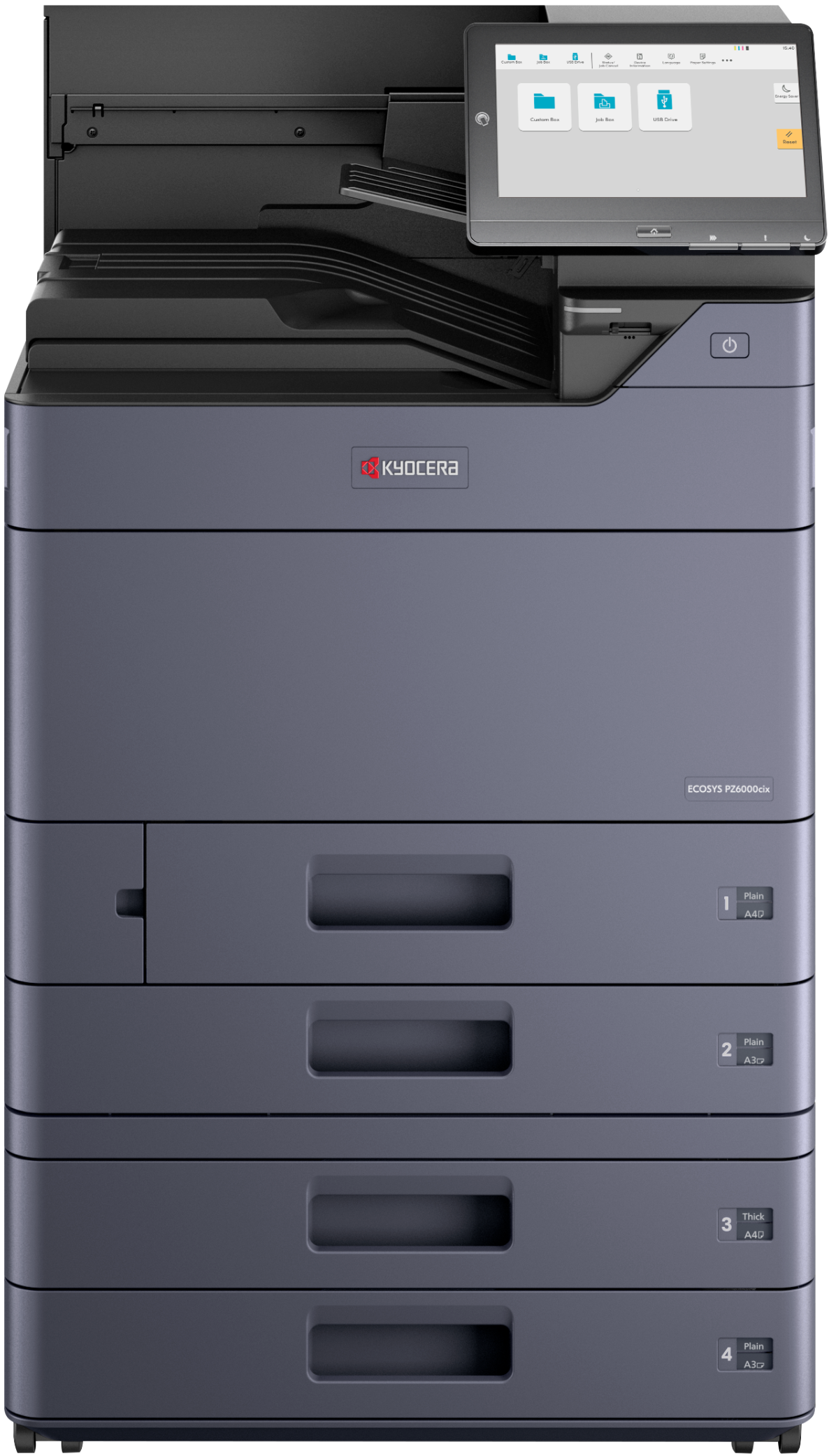
B&W PRINTER (paper sizes up to 12" × 18")
The ECOSYS PZ7000ix helps organizations improve productivity, deliver professional-quality B&W documents, strengthen information security, and simplify everyday printing through fast performance, enterprise-grade protection, and an intuitive user experience.

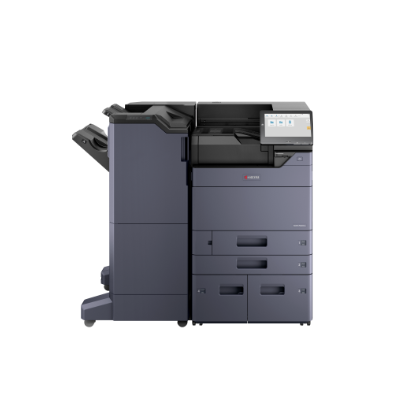
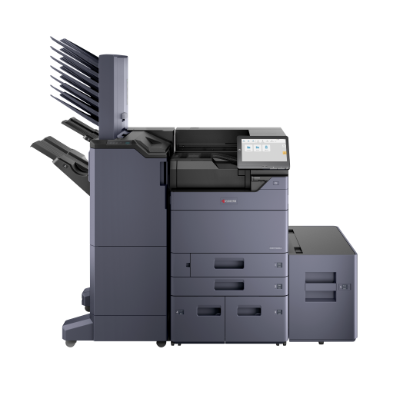
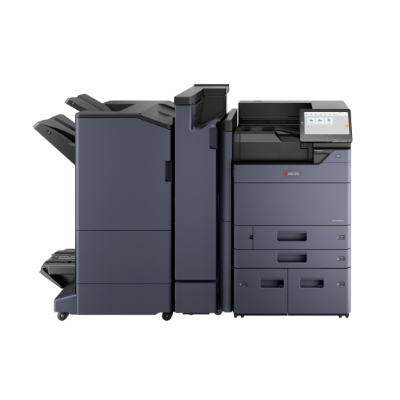
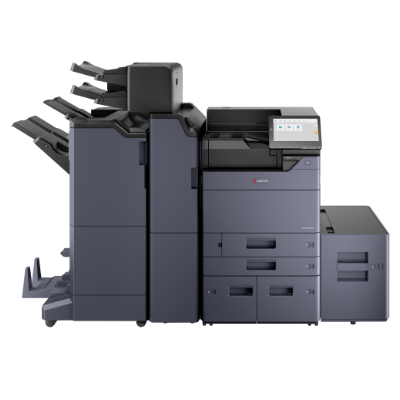
Please Note:
| Item/Description | Tips | Item # | Thumbnail | |
|---|---|---|---|---|
ECOSYS PZ7000ixECOSYS PZ7000ix
Note: 1. In order to complete a configuration, you must select a Paper Tray or Cabinet Stand option from Step 2. 2. The mainframe does ship standard with starter toner (yield: 16,000 pages B&W based on ISO 19752). |

No tooltip available.
| 110C3N2US0 | 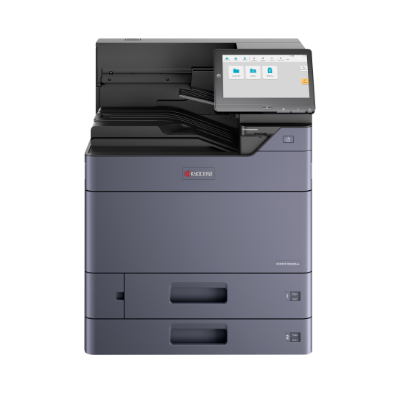 |
| Item/Description | Tips | Item # | Thumbnail | |
|---|---|---|---|---|
PF-7140PF-7140
Note: 1. This option cannot be installed with PF-7150 or Cabinet Stand. |

PF-7140
The items below are not compatible and cannot be selected:
| 1203V42USV | 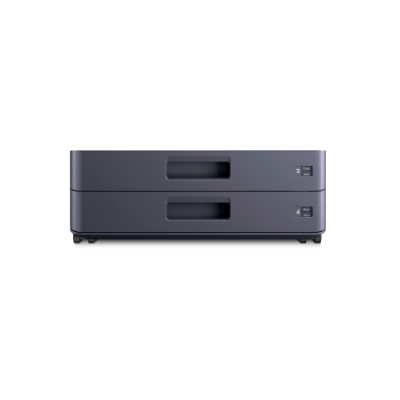 | |
PF-7150PF-7150
Note: 1. This option cannot be installed with PF-7140 or Cabinet Stand. |
PF-7150
The items below are not compatible and cannot be selected:
| 1203V52USV | 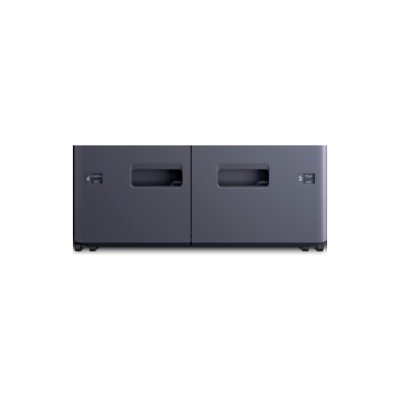 | |
Cabinet StandCabinet Stand
Note: 1. This option cannot be installed with PF-7140, PF-7150 or PF-7120. |
Cabinet Stand
The items below are not compatible and cannot be selected:
| 855D200916 | 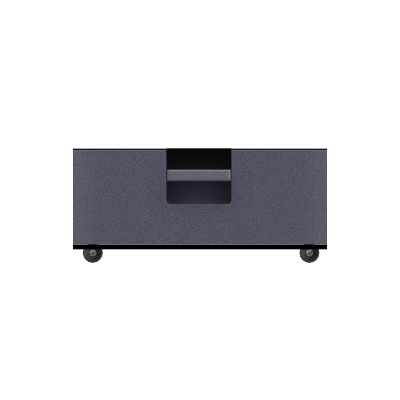 | |
Stabilizer KitStabilizer Kit
Note: 1. Cabinet Stand must be selected to add this option. |
Stabilizer Kit
At least one of the item(s) below must be selected to be able to select this item:
| 855D200887 |  | |
PF-7120PF-7120
Note: 1. PF-7140 or PF-7150 must be selected to add this option. |
PF-7120
At least one of the item(s) below must be selected to be able to select this item:
| 1203RL2US0 | 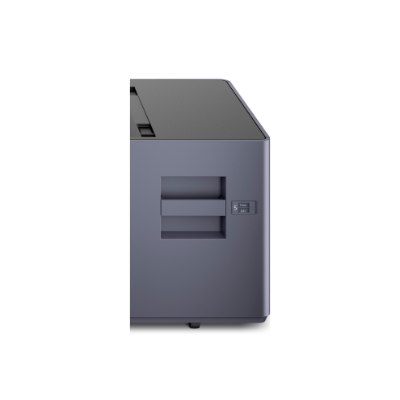 |
Internal |
||||
| Item/Description | Tips | Item # | Thumbnail | |
|---|---|---|---|---|
JS-7100JS-7100
Note: 1. This option cannot be installed with DF-7120, DF-7140, DF-7150 or any related options. |
JS-7100
The items below are not compatible and cannot be selected:
| 1203RN0UN0 | 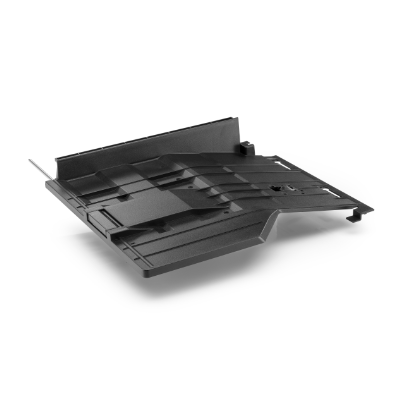 | |
JS-7110JS-7110
Note: 1. This option cannot be installed with DF-7120, DF-7140, DF‑7150 or any related options. |
JS-7110
The items below are not compatible and cannot be selected:
| 1203TB0UN0 | 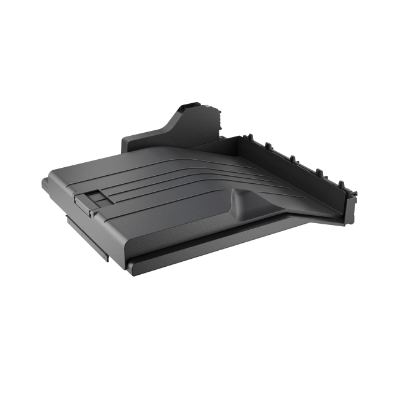 | |
External |
||||
| Item/Description | Tips | Item # | Thumbnail | |
DF-7120DF-7120
Note: 1. This option cannot be installed with JS-7100, JS-7110, DF-7140, DF‑7150 or any related options. 2. By choosing this option, AK-7110 will be added to your configuration. |
DF-7120
The items below are not compatible and cannot be selected:
| 1203RV2US0 | 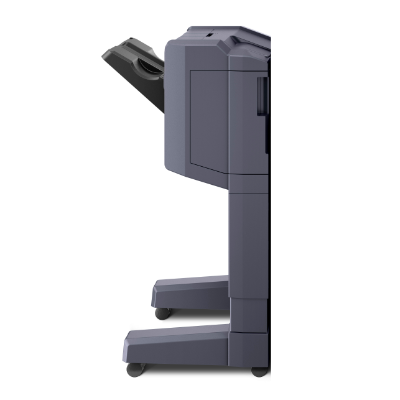 | |
DF-7140DF-7140
Note: 1. This option cannot be installed with JS-7100, JS-7110, DF-7120, DF-7150 or any related options. 2. By choosing this option, AK-7110 will be added to your configuration. |
DF-7140
The items below are not compatible and cannot be selected:
| 1203V82US0 | 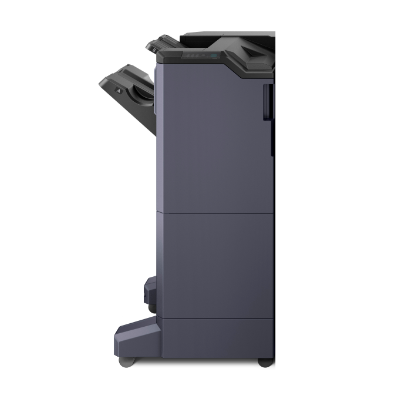 | |
DF-7150DF-7150
Note: 1. This option cannot be installed with JS-7100, JS-7110, DF-7120, DF-7140 or any related options. 2. By choosing this option, AK-7110 will be added to your configuration. |
DF-7150
The items below are not compatible and cannot be selected:
| 1203V92US0 | 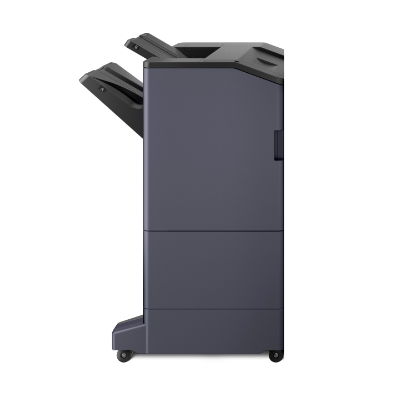 | |
AK-7110AK-7110
Note: 1. DF-7120, DF-7140 or DF-7150 must be selected to add this option. |
AK-7110
At least one of the item(s) below must be selected to be able to select this item:
| 1703SZ0UN0 | 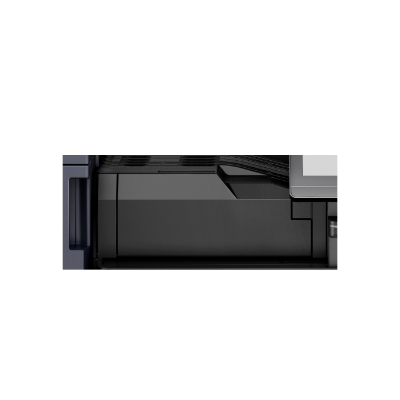 | |
BF-730BF-730
Note: 1. DF-7140 must be selected to add this option. |
BF-730
All of the item(s) below must be selected to be able to select this item:
| 1203ND0UN0 | 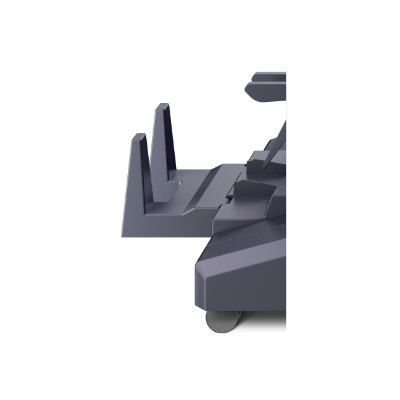 | |
BF-9100BF-9100
Note: 1. DF-7150 must be selected to add this option. |
BF-9100
All of the item(s) below must be selected to be able to select this item:
| 1203SP6US0 | 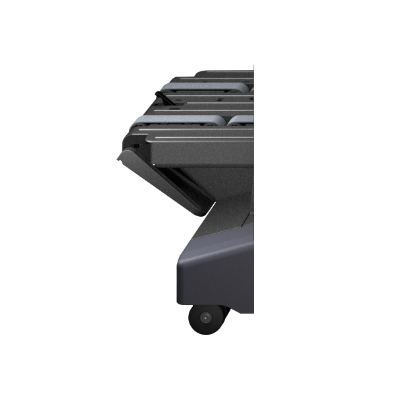 | |
PH-7APH-7A
Note: 1. DF-7120, DF-7140 or DF-7150 must be selected to add this option. |
PH-7A
At least one of the item(s) below must be selected to be able to select this item:
| 1203NK2US0 |  | |
MT-730 (B)MT-730 (B)
Note: 1. DF-7140 must be selected to add this option. |
MT-730 (B)
All of the item(s) below must be selected to be able to select this item:
| 1203N00UN1 | 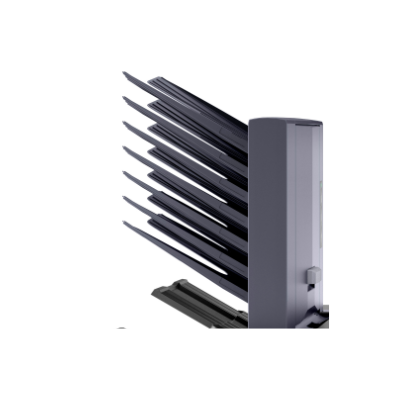 | |
IS-7100IS-7100
Note: 1. DF-7140 or DF-7150 must be selected to add this option. 2. This option cannot be installed with ZF-7100 or any related options. |
IS-7100
At least one of the item(s) below must be selected to be able to select this item:
The items below are not compatible and cannot be selected:
| 1203TF2US0 | 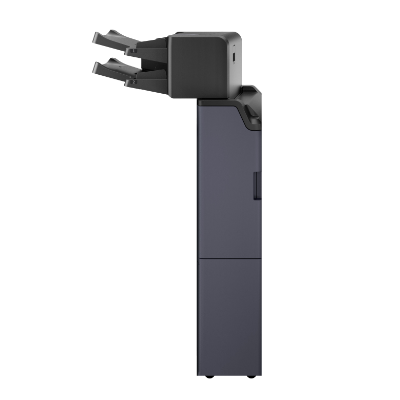 | |
ZF-7100ZF-7100
Note: 1. DF-7140 or DF-7150 must be selected to add this option. 2. This option cannot be installed with IS-7100. 3. By choosing this option, AK-7120 will be added to your configuration. |
ZF-7100
At least one of the item(s) below must be selected to be able to select this item:
The item(s) below will be selected if this item is selected:
The items below are not compatible and cannot be selected:
| 1205MR2US0 |  | |
AK-7120AK-7120
Note: 1. ZF-7100 must be selected to add this option. |
AK-7120
At least one of the item(s) below must be selected to be able to select this item:
The item(s) below will be selected if this item is selected:
The items below are not compatible and cannot be selected:
| 1703V70UN0 |  | |
| Item/Description | Tips | Item # | Thumbnail | |
|---|---|---|---|---|
W2250-15-120W2250-15-120
|
No tooltip available.
| 855D200950 | 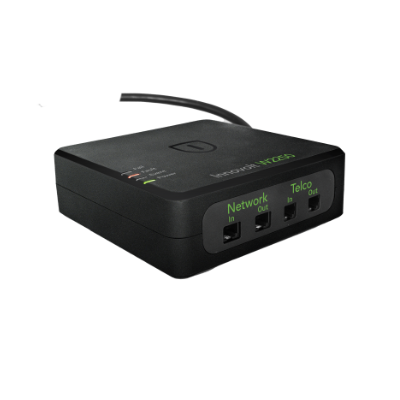 | |
Banner Guide 10Banner Guide 10
Note: 1. When this item is selected, manually add its width (listed above) to final dimensions. |
No tooltip available.
| 1203RP0UN0 | 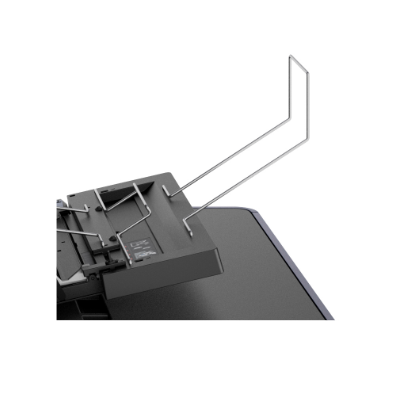 | |
NK-7130NK-7130
|
No tooltip available.
| 1903T00US0 | 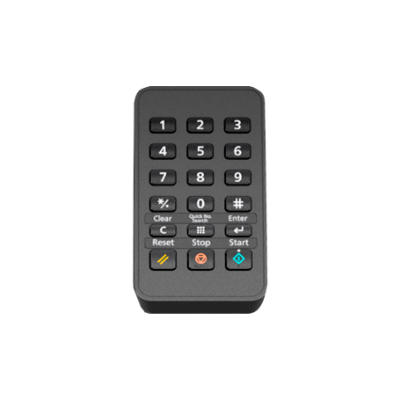 |
| Item/Description | Tips | Item # | Thumbnail | |
|---|---|---|---|---|
UG-33UG-33
|
No tooltip available.
| 1603NT0UN0 |  | |
UG-34UG-34
|
No tooltip available.
| 1603NX0UN0 | | |
IB-37IB-37
Note: 1. This option cannot be installed with IB-38. 2. To use Wi-Fi Direct capabilities, this accessory must be installed in the machine. |
IB-37
The items below are not compatible and cannot be selected:
| 1503T80UN0 | 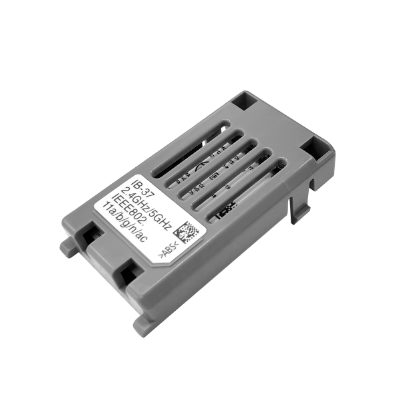 | |
IB-38IB-38
Note: 1. This option cannot be installed with IB-37. 2. To use Wi-Fi Direct capabilities, this accessory must be installed in the machine. |
IB-38
The items below are not compatible and cannot be selected:
| 1503V10US0 |  | |
IB-53IB-53
Note: 1. HyPAS will not be compatible when installed. |
No tooltip available.
| 1505M30UN0 | 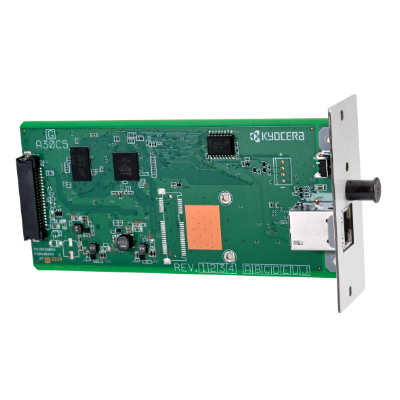 | |
IB-54IB-54
Note: 1. HyPAS will not be compatible when installed. 2. This option cannot be installed with IB-55. |
IB-54
The items below are not compatible and cannot be selected:
| 1505M40US0 | 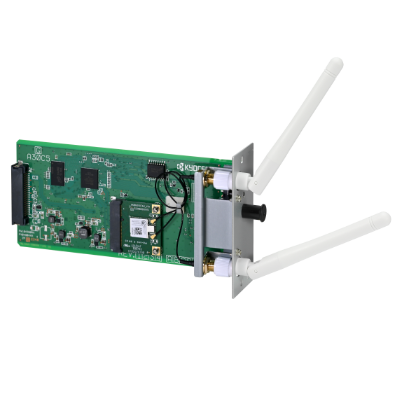 | |
IB-55IB-55
Note: 1. HyPAS will not be compatible when installed. 2. This option cannot be installed with IB-54. |
IB-55
The items below are not compatible and cannot be selected:
| 1505NA0UN0 | 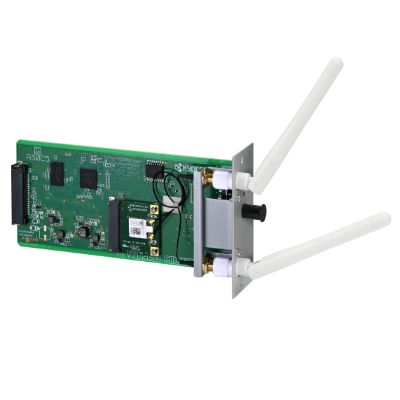 |
| Item/Description | Tips | Item # | Thumbnail | |
|---|---|---|---|---|
Card Authentication KitCard Authentication Kit
Note: 1. For your specific Card Authentication Kit needs, please consult with your Kyocera sales representative for the Kyocera Card Reader best for your business. 2. Photo is for illustrative purposes only. Your device may vary. |
No tooltip available.
| See-Notes | 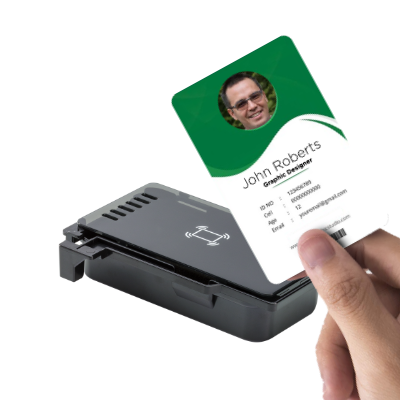 |
| Item/Description | Tips | Item # | Thumbnail | |
|---|---|---|---|---|
HD-22 (N)HD-22 (N)
|
No tooltip available.
| 1503Y10UN0 |  |
Please Note:
Toner Container |
||||
| Item/Description | Tips | Item # | Thumbnail | |
|---|---|---|---|---|
TK-6382TK-6382
|
No tooltip available.
| 1T0C3N0USX | | |
Additional Supplies |
||||
| Item/Description | Tips | Item # | Thumbnail | |
SH-10SH-10
Note: 1. DF-7120, BF-730 or BF-9100 must be selected to add this option. |
SH-10
At least one of the item(s) below must be selected to be able to select this item:
| 1903JY0000 |  | |
SH-12SH-12
Note: 1. DF-7140 must be selected to add this option. |
SH-12
At least one of the item(s) below must be selected to be able to select this item:
| 1903NB0UN0 | | |
SH-14SH-14
Note: 1. DF-7150 must be selected to add this option. |
SH-14
At least one of the item(s) below must be selected to be able to select this item:
| 1903S80UN0 | | |
W × D × H 0" × 0" × 0"
0mm × 0mm × 0mm