
Kyocera Product Configurator

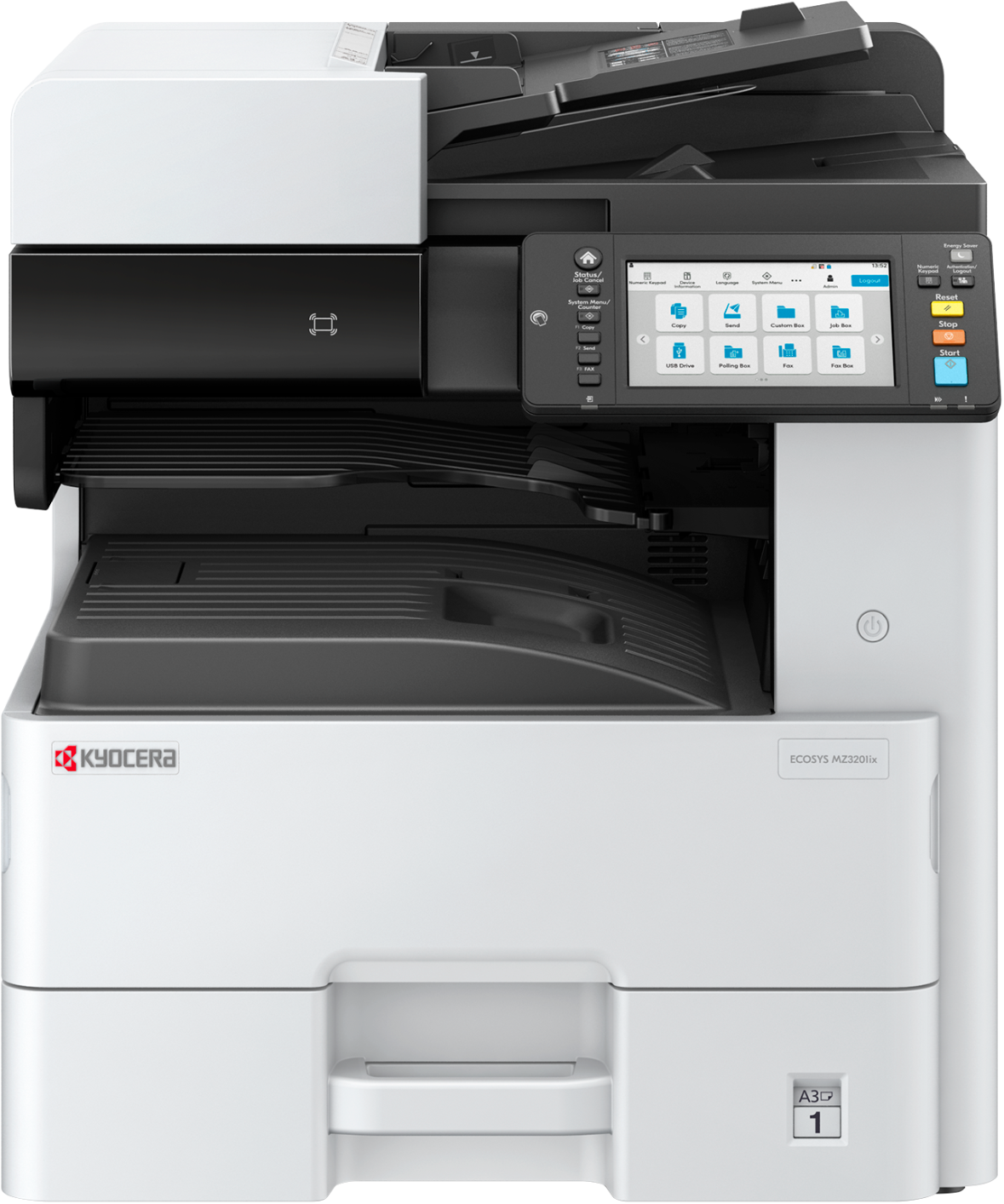
B&W MFP (paper sizes up to 11" × 17")
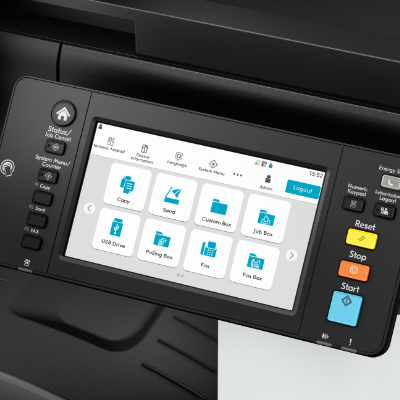
The ECOSYS MZ3201ix brings high-level functionality and quality black-and-white (B&W) output to offices and workgroups looking for a multifunctional printer (MFP) with a small footprint. Whether replacing outdated, high cost-per-page printers or supplementing larger fleet resources, this versatile MFP is designed to perform. Print output at speeds up to 32 pages per minute. Achieve B&W imaging up to 1200 × 1200 dpi. Work from anywhere, with ease. This device is prepared for the cloud featuring pre‑installed solutions including KCPS, KCIM, and KCC to improve your digital transformation.

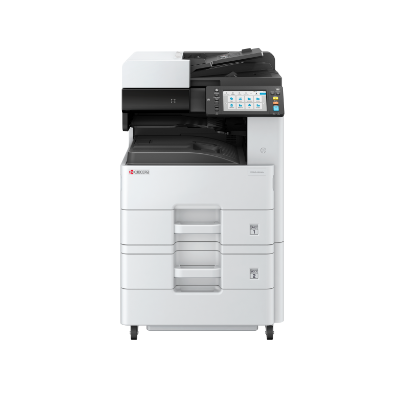
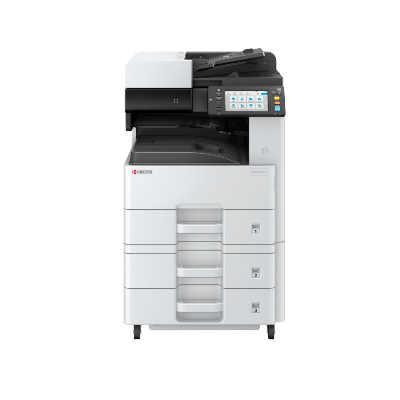
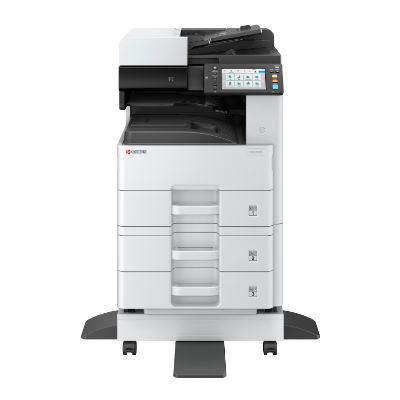
Please Note:
| Item/Description | Tips | Item # | Thumbnail | |
|---|---|---|---|---|
ECOSYS MZ3201ixECOSYS MZ3201ix
Note: 1. Includes a 50-Sheet Reversing Automatic Document Processor. 2. The mainframe does ship standard with starter toner (yield: 3,000 pages B&W based on ISO 19752). |

No tooltip available.
| 110C2V2US0 | 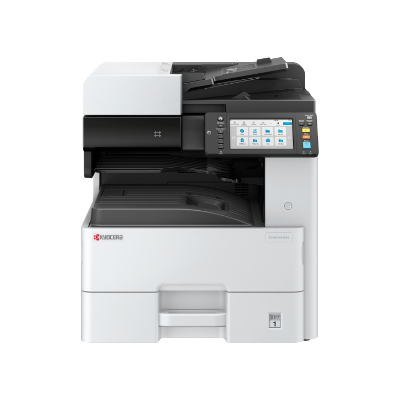 |
| Item/Description | Tips | Item # | Thumbnail | |
|---|---|---|---|---|
PF-470PF-470
Note: 1. This option cannot be installed with PF-471 or Cabinet Stand. |

PF-470
The items below are not compatible and cannot be selected:
| 1203NP2US0 | 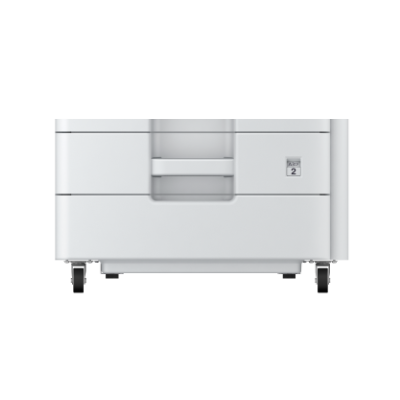 | |
PF-471PF-471
Note: 1. This option cannot be installed with PF-470 or Cabinet Stand. |
PF-471
The items below are not compatible and cannot be selected:
| 1203NN2US0 | 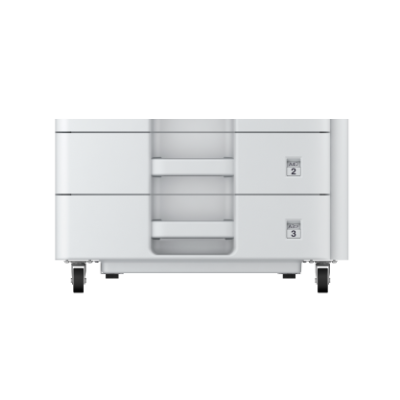 | |
Cabinet StandCabinet Stand
Note: 1. This option cannot be installed with PF-470 or PF-471. |
Cabinet Stand
The items below are not compatible and cannot be selected:
| 855D200946 | 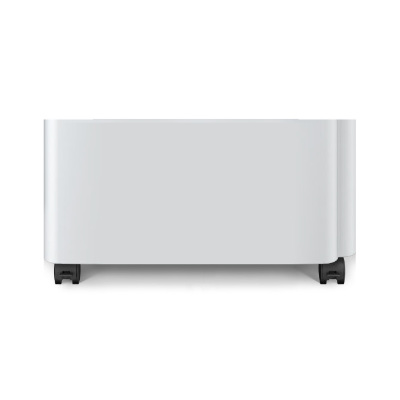 | |
RiserRiser
Note: 1. PF-470, PF-471 or Cabinet Stand must be selected to add this option. |
Riser
At least one of the item(s) below must be selected to be able to select this item:
| 855D200945 | 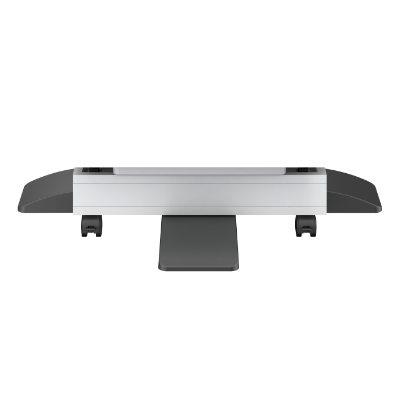 |
| Item/Description | Tips | Item # | Thumbnail | |
|---|---|---|---|---|
W2250-15-120W2250-15-120
|
No tooltip available.
| 855D200950 | 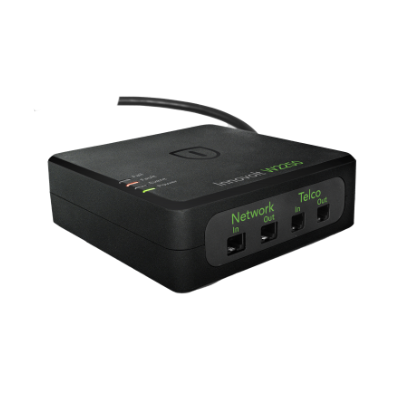 |
| Item/Description | Tips | Item # | Thumbnail | |
|---|---|---|---|---|
Fax System 14Fax System 14
|
No tooltip available.
| 1503WN2US0 | 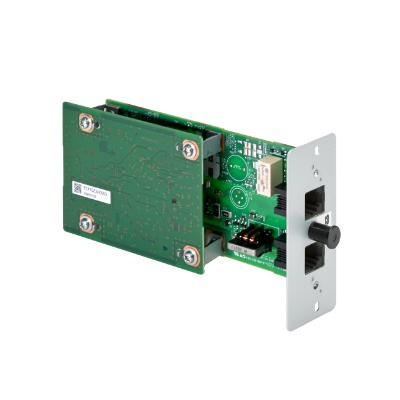 | |
UG-33UG-33
|
No tooltip available.
| 1603NT0UN0 |  | |
IB-53IB-53
Note: 1. This option cannot be installed with IB-54 or IB-55. 2. HyPAS will not be compatible when installed. |
IB-53
The items below are not compatible and cannot be selected:
| 1505M30UN0 | 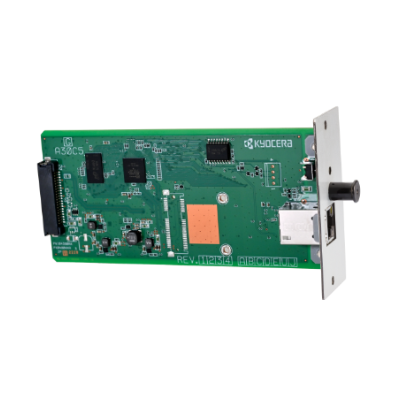 | |
IB-54IB-54
Note: 1. This option cannot be installed with IB-53 or IB-55. 2. HyPAS will not be compatible when installed. |
IB-54
The items below are not compatible and cannot be selected:
| 1505M40US0 | 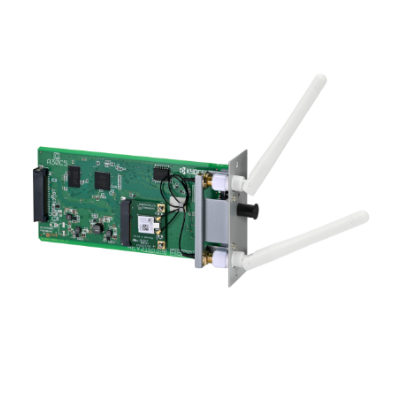 | |
IB-55IB-55
Note: 1. This option cannot be installed with IB-53 or IB-54. 2. HyPAS will not be compatible when installed. |
IB-55
The items below are not compatible and cannot be selected:
| 1505NA0UN0 | 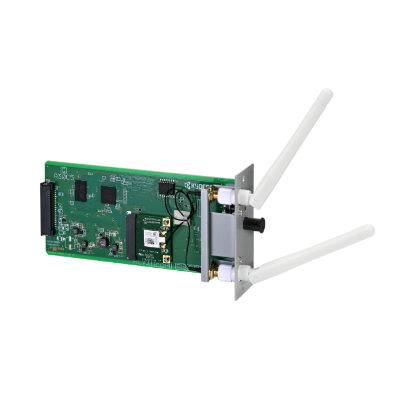 | |
IB-37IB-37
Note: 1. This option cannot be installed with IB-38. 2. To use Wi-Fi capabilities, this accessory must be installed into the machine. |
IB-37
The items below are not compatible and cannot be selected:
| 1503T80UN0 | 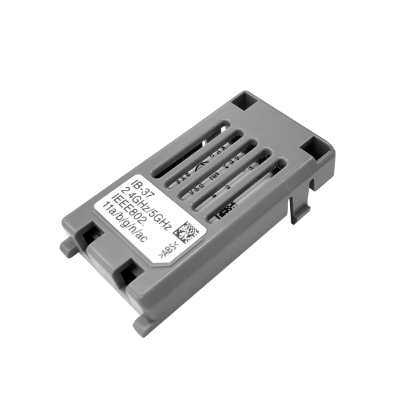 | |
IB-38IB-38
Note: 1. This option cannot be installed with IB-37. 2. To use Wi-Fi capabilities, this accessory must be installed into the machine. |
IB-38
The items below are not compatible and cannot be selected:
| 1503V10US0 | 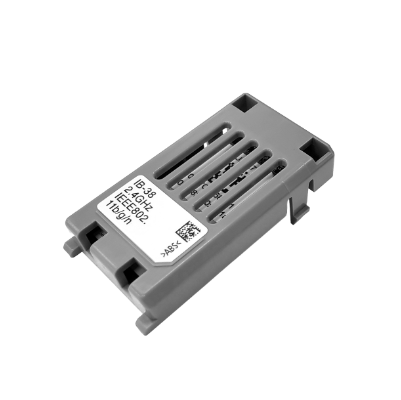 |
| Item/Description | Tips | Item # | Thumbnail | |
|---|---|---|---|---|
HD-17HD-17
Note: 1. HD or SDHC is required to enable HyPAS applications. 2. This option cannot be installed with HD-18 or HD-19. |
HD-17
The items below are not compatible and cannot be selected:
| 1505MS0UN0 | 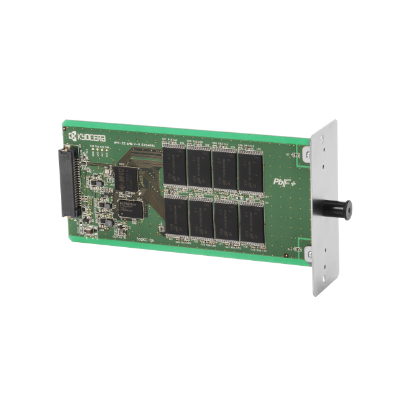 | |
HD-18HD-18
Note: 1. HD or SDHC is required to enable HyPAS applications. 2. This option cannot be installed with HD-17 or HD-19. |
HD-18
The items below are not compatible and cannot be selected:
| 1505MT0UN0 | | |
HD-19HD-19
Note: 1. HD or SDHC is required to enable HyPAS applications. 2. This option cannot be installed with HD-17 or HD-18. |
HD-19
The items below are not compatible and cannot be selected:
| 1505MV0UN0 | | |
SDHC Card-16GSDHC Card-16G
Note: 1. HD or SDHC is required to enable HyPAS applications. 2. This option cannot be installed with SDHC Card-32G. |
SDHC Card-16G
The items below are not compatible and cannot be selected:
| 855D200647 | 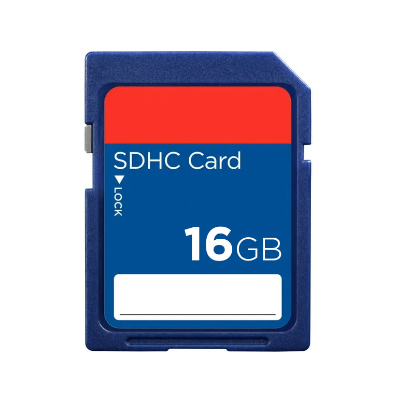 | |
SDHC Card-32GSDHC Card-32G
Note: 1. HD or SDHC is required to enable HyPAS applications. 2. This option cannot be installed with SDHC Card-16G. |
SDHC Card-32G
The items below are not compatible and cannot be selected:
| 855D200648 | 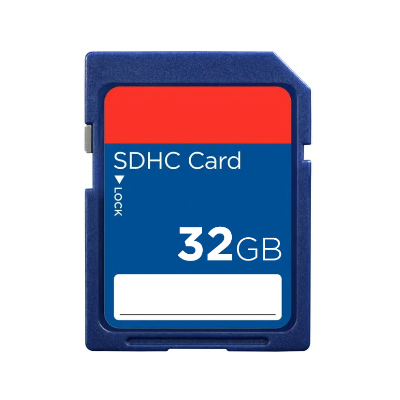 |
| Item/Description | Tips | Item # | Thumbnail | |
|---|---|---|---|---|
Card Authentication KitCard Authentication Kit
Note: 1. For your specific Card Authentication Kit needs, please consult with your Kyocera sales representative for the Kyocera Card Reader best for your business. 2. Photo is for illustrative purposes only. Your device may vary. |
No tooltip available.
| See-Notes | 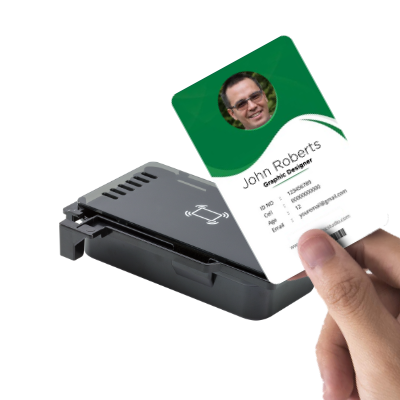 | |
Scan Extension Kit (A)Scan Extension Kit (A)
Note: 1. HD-17, HD-18, HD-19, SDHC Card-16G or SDHC Card-32G must be selected to add this option. |
Scan Extension Kit (A)
At least one of the item(s) below must be selected to be able to select this item:
| 1603P10UN0 |  |
Please Note:
Toner Container |
||||
| Item/Description | Tips | Item # | Thumbnail | |
|---|---|---|---|---|
TK-6862 - ContainerTK-6862 - Container
|
No tooltip available.
| 1T0C2V0US0 | 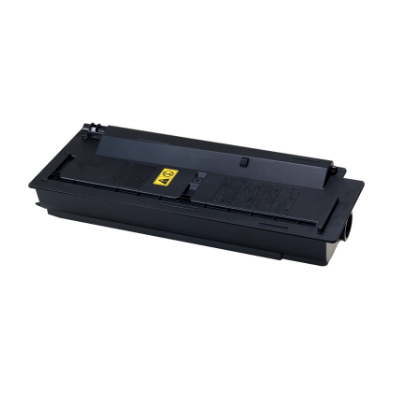 | |
W × D × H 0" × 0" × 0"
0mm × 0mm × 0mm